01
Capture without friction
Select a passage on a webpage, choose a colour, and keep reading.
 Highlight Notes
Highlight useful passages in Safari, Chrome, Edge and Firefox, add your own thinking, and find everything again in one searchable library. Start locally with no subscription required, then add optional Pro when you want cloud access across browsers and devices.
The best tools make the important action feel inevitable.
Use this in the next product review.
Attention is how experience becomes memory.
Highlight Notes stays out of the way while you read, then gives every saved passage and note a place to live.
Select a passage on a webpage, choose a colour, and keep reading.
Attach an editable note so the idea still makes sense when you return.
Use tags for topics, projects and follow-ups, then find them again in your library.
Highlight webpages, Gmail and ChatGPT conversations, then return to everything in your personal library.
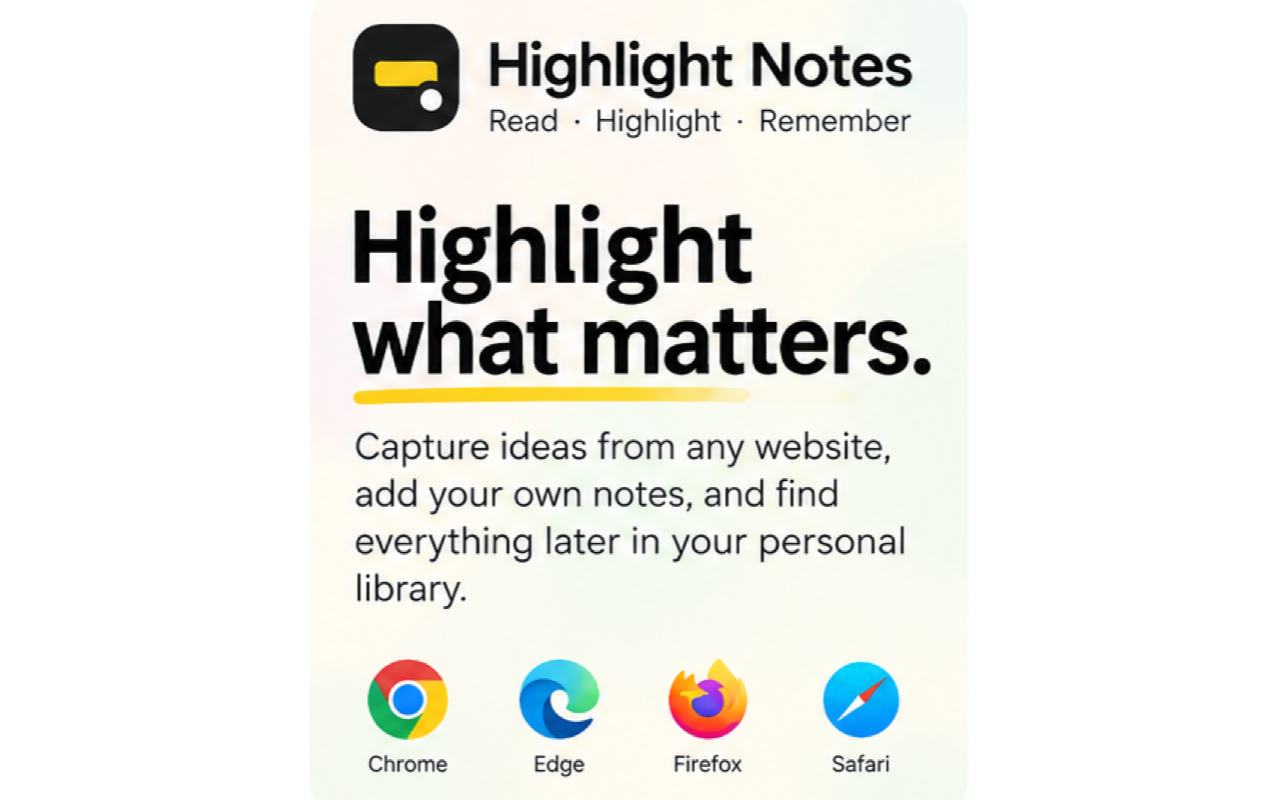
Read, highlight and remember across the web.
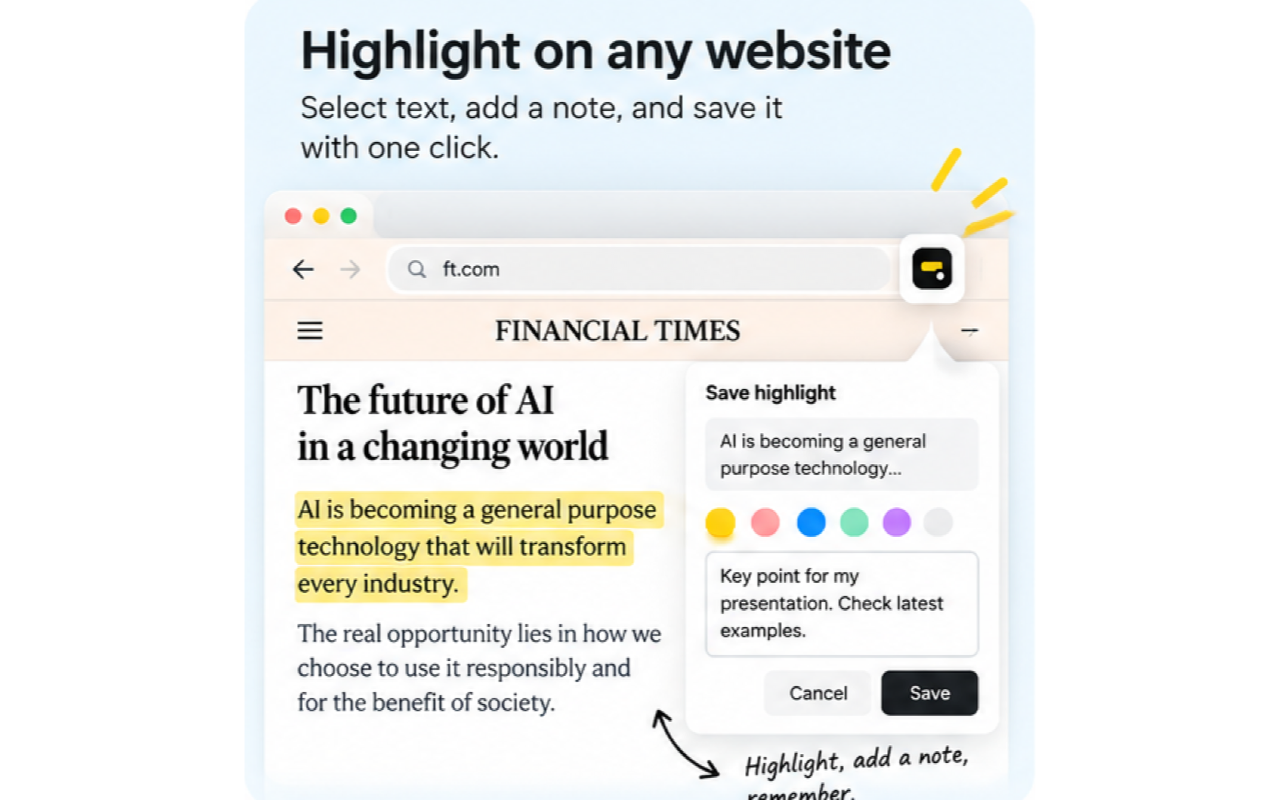
Select text, add a note and save it with one click.
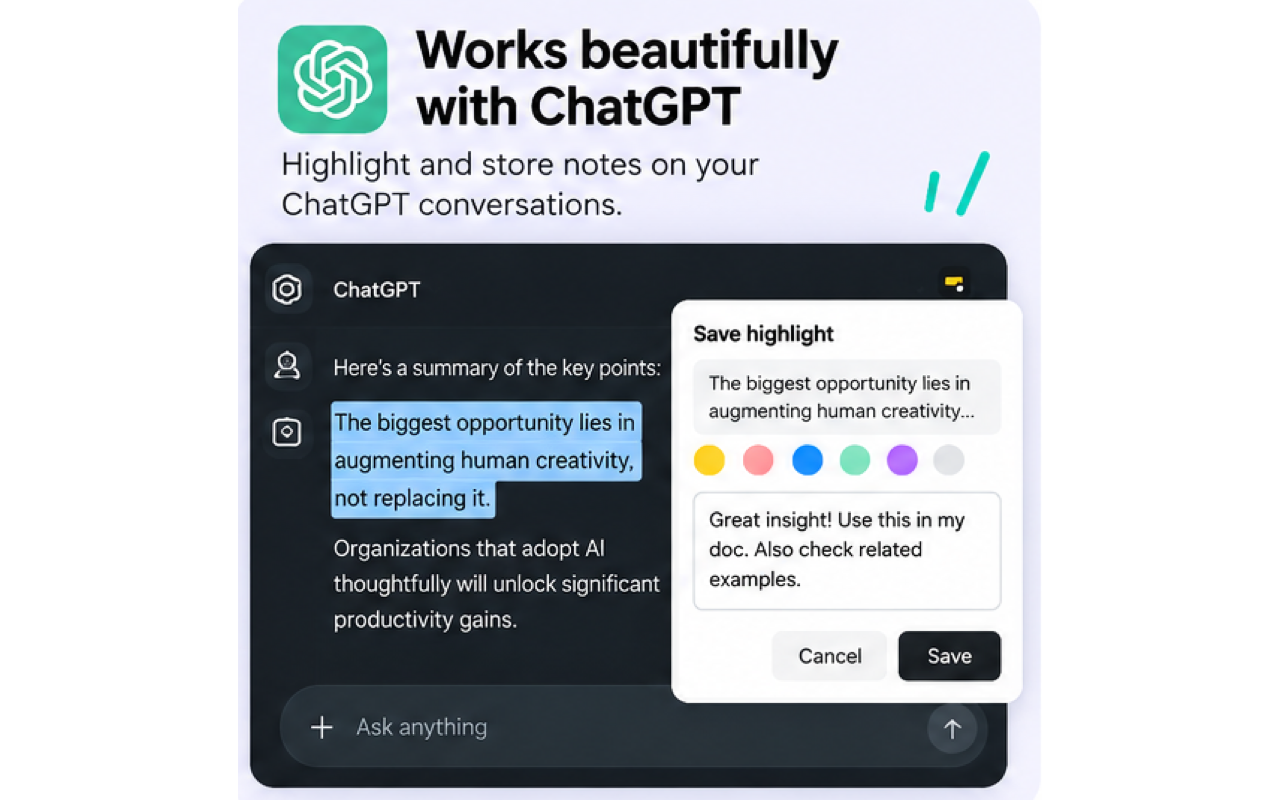
Highlight and store notes on ChatGPT conversations.
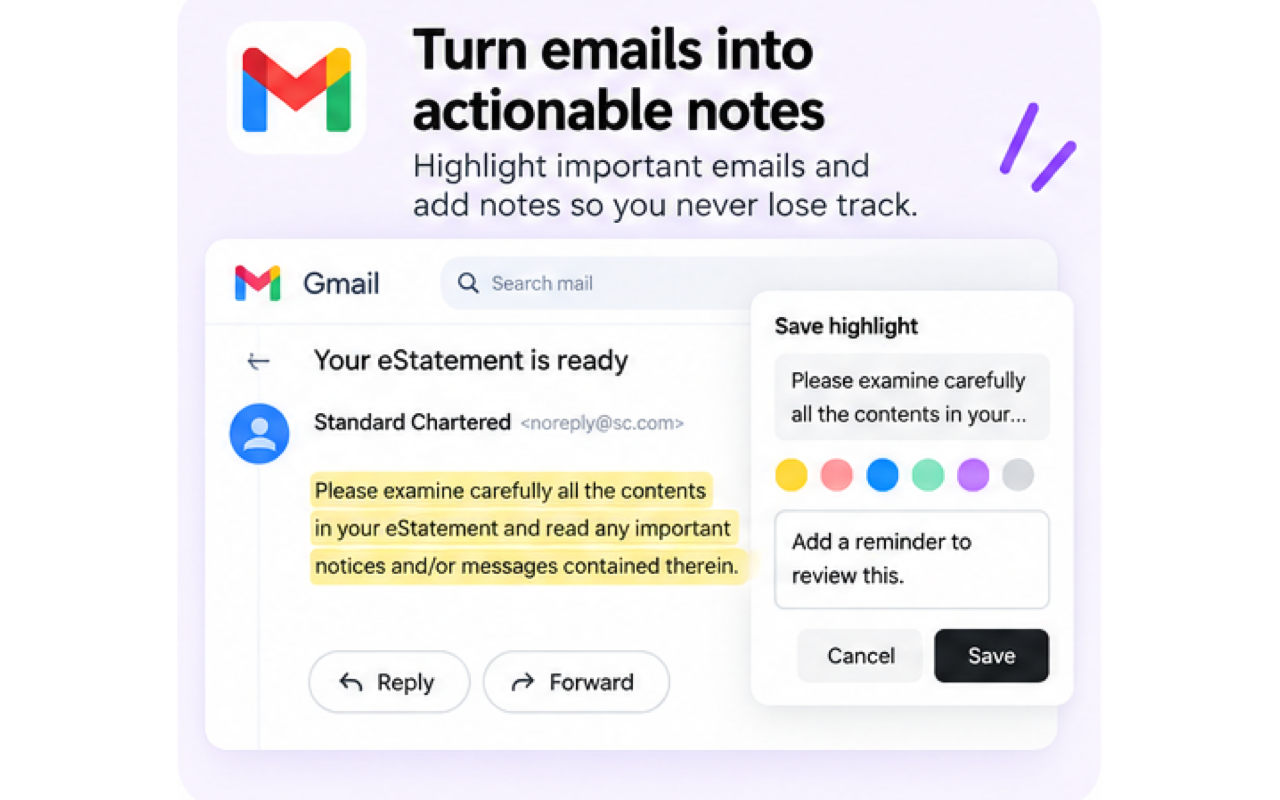
Highlight important emails and add notes so you never lose track.
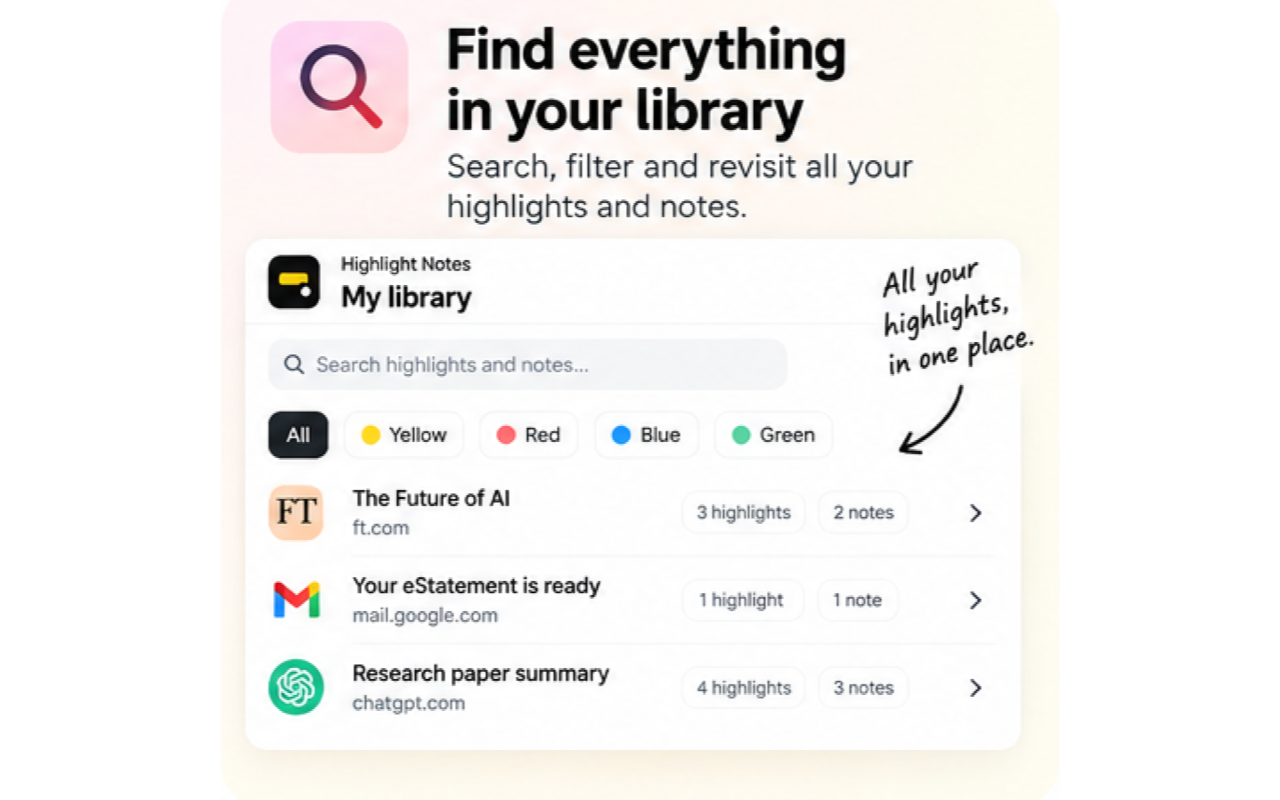
Search, filter and revisit your highlights and notes.
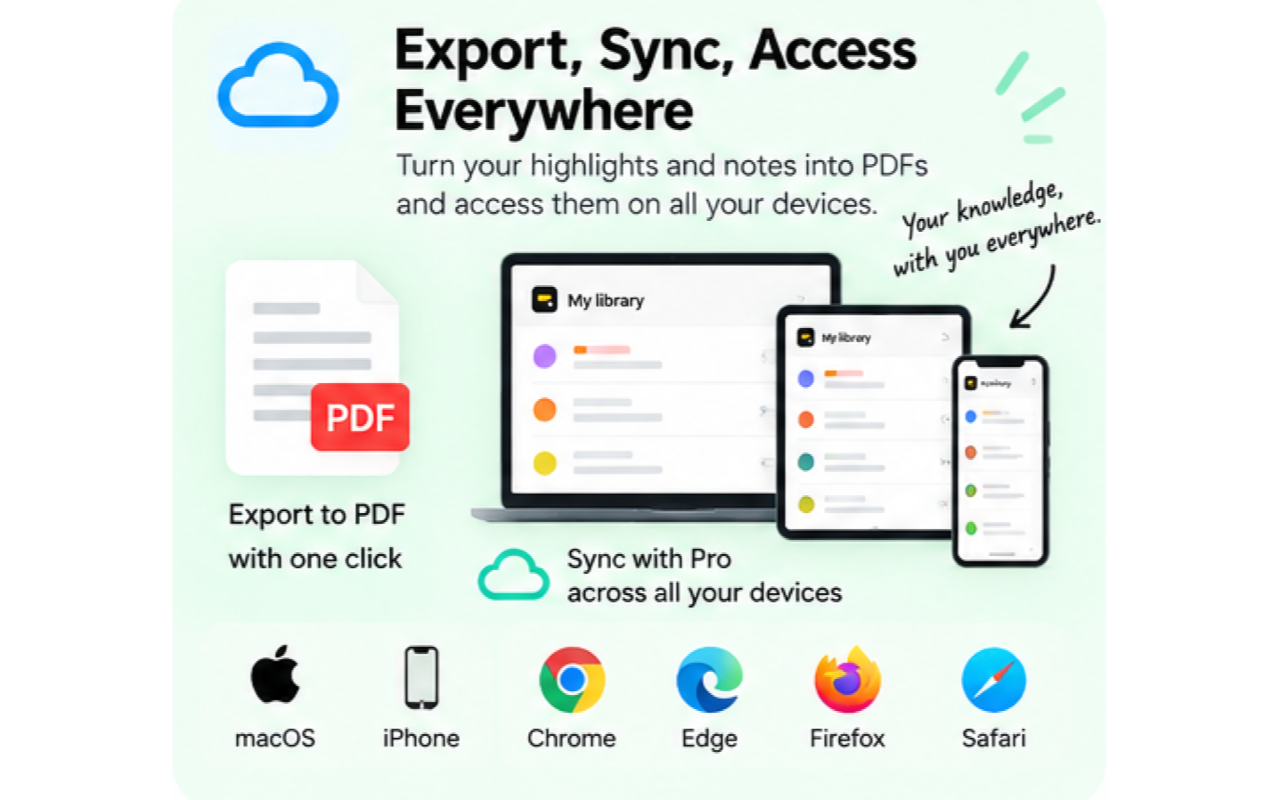
Turn highlights and notes into PDFs and access them across supported devices with Pro.
Use the same lightweight highlighting workflow on macOS Safari, Chrome, Edge and Firefox.
Install Highlight Notes from the Chrome Web Store.
Install Highlight Notes from Microsoft Edge Add-ons.
Install Highlight Notes from Firefox Add-ons.
Use the Mac app and its Safari extension, with local highlighting and optional Pro access.
The browser extensions are free for unlimited highlighting and notes. Pro adds cloud access, while the Safari Mac app unlocks local Safari features.
For Chrome, Edge and Firefox.
Cloud sync and the Web/iPhone Library are Pro features.
Special founding lifetime price. Regular price $0.99/month.
Use Pro with Browser Free or with the Safari Mac app.
A Mac App Store purchase for the Safari extension and local Mac features.
Pro is separate if you want Safari highlights to sync with other browsers, the Web Library or iPhone.
| Feature | Browser Free | Highlight Notes Pro | Highlight Notes for Safari |
|---|---|---|---|
| Price | Free | $5 founding lifetime; $0.99/month regular | $3 one time |
| Unlimited highlights and notes | Yes | Yes | Yes, locally on Mac |
| Optional tags | Included | Included and synced | Included locally |
| PDF exports | 3 | Unlimited | 3 |
| Cloud sync, Web Library and iPhone | Not included | Included | Requires Pro |
| Supported browsers | Chrome, Edge, Firefox | Chrome, Edge, Firefox and Safari | Safari on macOS |
Pro uses your Highlight Notes account to sync eligible highlights and notes securely through the cloud.